
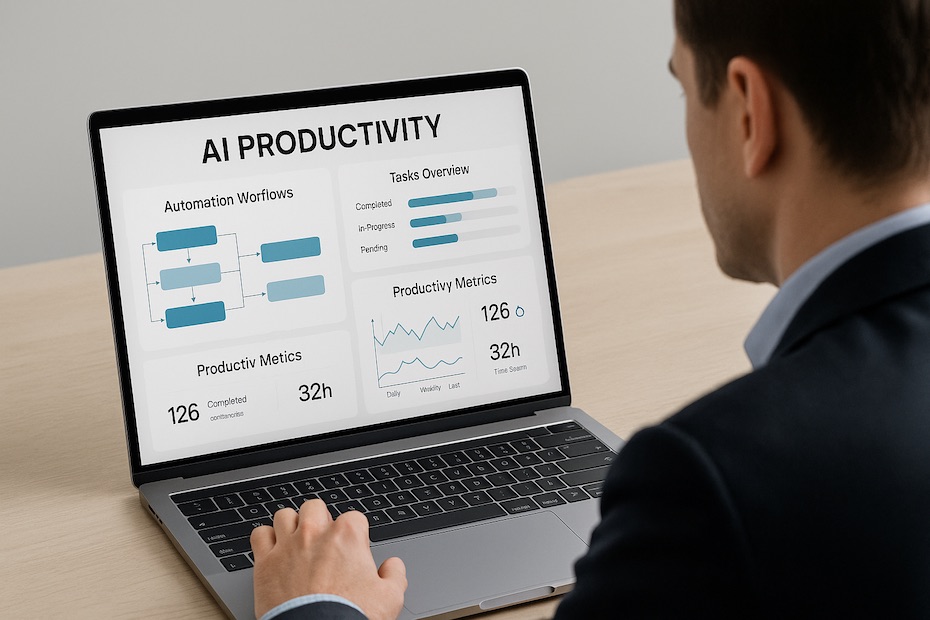
AI productivity tools automate your workflow by handling repetitive tasks, organizing projects, and improving communication efficiency, allowing you to focus on high-impact decisions and creative problem-solving.
Artificial intelligence has redefined how you manage time, projects, and collaboration. In this guide, you’ll explore seven of the best AI productivity tools used by top professionals to automate routine work, optimize focus, and scale efficiency across teams. You’ll also learn how to implement them strategically without overwhelming your daily operations.
1. Notion AI – Your All-in-One Knowledge and Task Assistant
Notion AI extends the power of Notion by integrating natural language processing directly into your notes, databases, and project dashboards. It helps you summarize long documents, generate outlines, and manage tasks automatically.
You can ask Notion AI to create meeting notes, summarize reports, or even generate content drafts. The real advantage comes from context awareness—it understands your workspace and tailors outputs based on stored data. For startups and remote teams, this means less time on documentation and more time executing priorities.
One efficient workflow is using Notion AI to automate project briefs. When you input goals and key deliverables, it can generate milestones, assign ownership, and suggest timelines instantly. Over time, this builds a consistent structure across projects, reducing onboarding time for new team members.
Performance benefits include:
- Consolidated workspace replacing multiple productivity apps
- Smart text generation for notes, emails, and planning documents
- Automatic action item generation from meeting recaps
2. Grammarly – Sharpen Every Word You Write
Grammarly has become indispensable for professionals who write frequently—emails, reports, proposals, and even marketing copy. Beyond correcting grammar, it analyzes tone, readability, and delivery intent, ensuring your writing aligns with professional standards.
The AI behind Grammarly learns your writing habits and refines suggestions based on your tone—formal, persuasive, or conversational. This personalization transforms it from a correction tool into a writing coach that enhances clarity and precision.
When used at the organizational level, Grammarly’s business version enforces consistent brand communication. Your entire team can maintain a unified writing style, improving external communication and reducing misinterpretation in cross-department correspondence.
A practical use case: integrating Grammarly with Google Workspace or Slack ensures instant corrections and tone optimization in real time, preventing errors before messages go out.
3. Zapier – The Powerhouse of Workflow Automation
Zapier connects your favorite tools—like Gmail, Slack, Asana, and HubSpot—and automates actions between them without writing a line of code. It’s ideal for streamlining multi-step processes that drain productivity.
For instance, when a new lead fills out a form, Zapier can automatically add them to your CRM, send a confirmation email, and notify your sales team in Slack. This kind of automation eliminates hours of manual coordination.
The real value lies in its scalability. As your business grows, Zapier can link dozens of workflows (“Zaps”) across platforms. You can customize triggers, filters, and actions to reflect the exact process you need—reducing human error and operational lag.
Top use cases include:
- Automatically syncing data across project management tools
- Scheduling social posts directly from spreadsheets
- Triggering customer follow-up sequences based on CRM updates
4. Otter.ai – Your AI Meeting Partner
Meetings often drain time because valuable information gets lost in note-taking or fragmented communication. Otter.ai solves this by transcribing meetings in real time and highlighting action items automatically.
Once integrated with platforms like Zoom or Microsoft Teams, Otter joins calls as a participant, records conversations, and generates accurate transcripts. Its AI then identifies key points, assigns speaker labels, and even summarizes discussions into short highlights.
For executives and project leads, this creates accountability. Every meeting produces clear records and deliverables—no more “who said what” confusion. You can search across all transcripts to retrieve specific insights, streamlining follow-up actions and documentation.
Over time, Otter becomes a knowledge repository for your organization, storing collective meeting intelligence that can be referenced anytime. This ensures knowledge continuity even as team members change.
5. Trello with Butler AI – Smart Project Automation
Trello’s simplicity meets intelligence with Butler AI—its built-in automation engine. You can create rules, triggers, and commands that automate repetitive project management tasks.
Imagine you move a card to the “Done” list, and Butler automatically assigns a completion date, sends a summary email, and archives it after 24 hours. That’s real automation at a micro-level, freeing you from clicking through endless workflows.
Butler also supports conditional logic, so you can customize actions based on project stage or team member roles. For startups managing multiple deliverables, it maintains order without micromanagement.
Benefits of using Trello with Butler AI:
- Eliminates redundant manual actions
- Keeps project boards up to date automatically
- Enhances transparency through real-time notifications
When combined with other AI tools like Notion or Slack, Trello becomes a powerful control center for your daily operations.
6. Reclaim.ai – Automate Scheduling and Focus Time
Time management is one of the biggest challenges for professionals. Reclaim.ai uses AI to protect your schedule by automatically prioritizing focus blocks, recurring meetings, and personal commitments.
It connects to your calendar and analyzes your workload, then dynamically reschedules tasks when conflicts arise. You can define focus priorities—for instance, coding, content writing, or strategy work—and the AI ensures those blocks remain protected.
This intelligent automation helps prevent overbooking and burnout. Studies show professionals waste up to 4.5 hours weekly manually organizing calendars; tools like Reclaim reclaim that time—literally.
By aligning personal productivity with team collaboration, Reclaim ensures meetings are productive, not disruptive. It integrates with Google Calendar, Slack, and Asana, syncing communication and scheduling seamlessly.
Scheduling efficiencies include:
- Auto-balancing meeting loads based on importance
- Reallocating time for deep work when priorities shift
- Syncing team availability to reduce scheduling friction
7. ChatGPT – The Universal AI Assistant
Among AI productivity tools, ChatGPT stands out for versatility. You can use it to draft emails, create content, brainstorm ideas, summarize reports, or generate code snippets. Its adaptability makes it the backbone of modern AI workflows.
For instance, you can train ChatGPT on your company’s documentation and use it as an internal assistant to answer common queries, generate onboarding materials, or draft client responses. Combined with plugins or integrations, it connects directly with task management systems and CRMs, executing commands on your behalf.
You gain speed without sacrificing quality. Teams use ChatGPT to cut content creation cycles from hours to minutes and to standardize responses across support, HR, and sales channels.
The best use comes from layering ChatGPT into your process—feeding it structured data and context, then using its output to accelerate decision-making or automate communication.
Common Mistakes to Avoid When Using AI Productivity Tools
AI tools amplify your workflow, but only if you use them strategically. Many professionals make the mistake of adopting too many tools at once, creating integration chaos.
Avoid redundancy—start with one tool that targets your biggest productivity gap. For example, automate your scheduling before automating content creation. Once you achieve measurable results, add complementary tools to expand efficiency.
Another frequent oversight is failing to monitor performance metrics. Always measure success using tangible KPIs like time saved, tasks automated, or error reduction rates. This data will guide whether a tool deserves permanent adoption.
Lastly, never rely entirely on automation. Human oversight ensures accuracy and strategic alignment. AI assists execution, but judgment still drives outcomes.
Best AI productivity tools to automate your workflow
- Notion AI for documentation and knowledge management
- Grammarly for polished writing
- Zapier for workflow automation
- Otter.ai for meeting transcripts
- Trello + Butler AI for project automation
- Reclaim.ai for scheduling
- ChatGPT for creative and operational tasks
Level Up Your Efficiency with AI-Powered Systems
AI productivity tools are no longer optional—they’re essential assets for achieving operational excellence. By selecting the right combination of these seven tools, you can optimize time management, reduce manual work, and scale collaboration efficiently. Start small, automate strategically, and evolve your workflow into a self-optimizing system.

Yitz Stern is a New York–based entrepreneur and business consultant with 20+ years of experience in alternative funding and real estate. A former CEO of Fundry and managing director at Tiger Financial Technologies, he now advises mid- to large, non-public companies on capital strategy and scalable growth while investing in multifamily real estate